
Sometimes, people tend to forget their passwords, or settings configuration on their pocket WiFi.
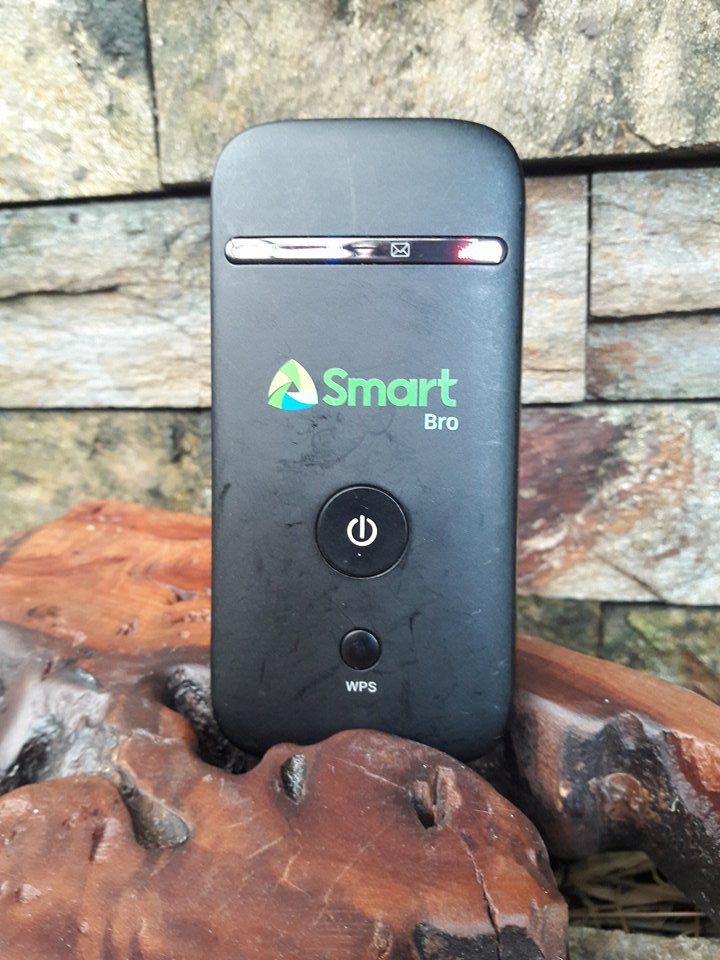
Here are two methods on how to reset your pocket Wi-Fi to its original configuration.
Step 1
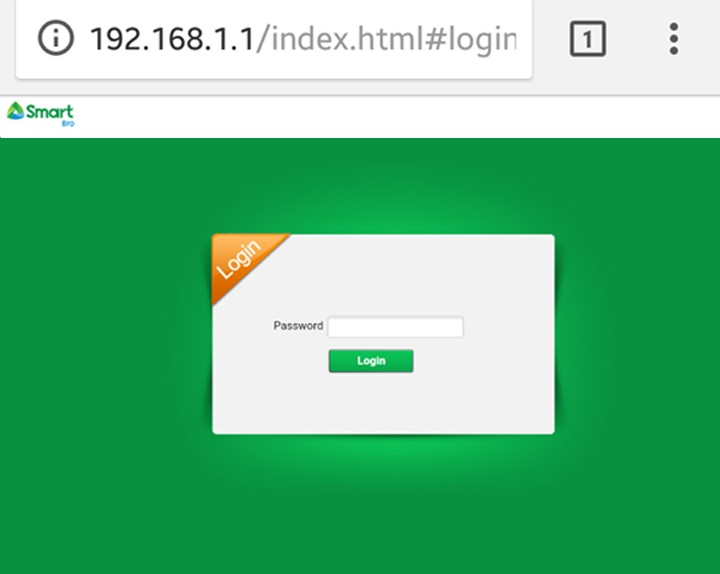
Connect to your pocket Wi-Fi and access 192.168.1.1 on your browser.
Step 2
Enter your password and proceed.
Step 3
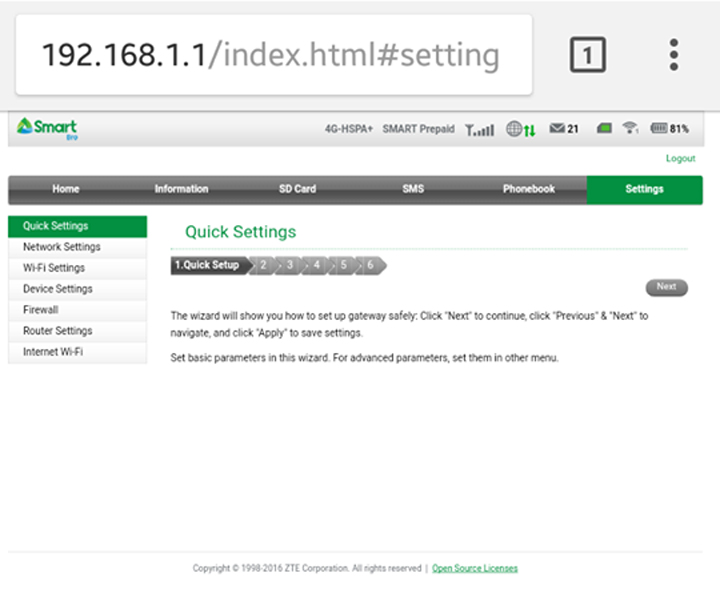
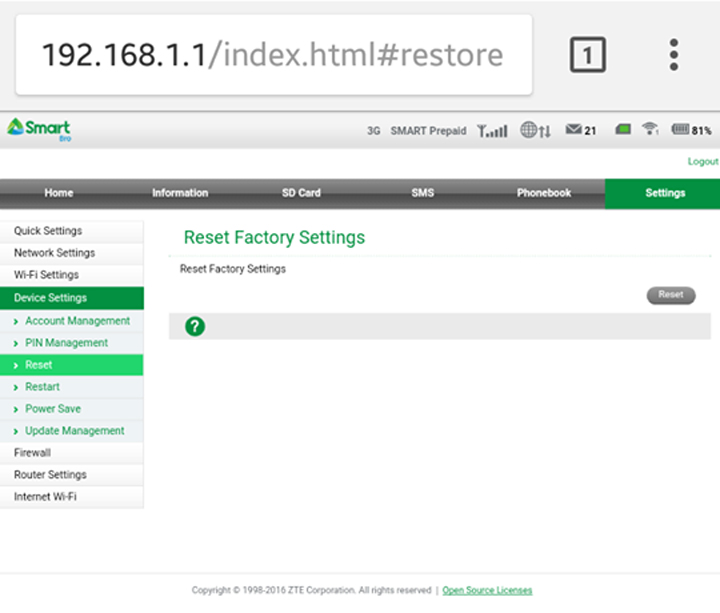
From there, Access “Settings” then click the “Device Settings” option. Lastly, Click “Reset” to continue resetting your pocket WiFi’s settings.
The next method is to do a “Hard Reset” on the pocket Wi-Fi if you have forgotten the login password. To do this, you must hold down the Power button and the “WPS” button on the pocket Wi-Fi and wait for it to reboot. This will reset your system configurations, including your password. The SmartBro Pocket Wi-Fi’s default password is “smartbro”.
Pretty simple right? Now you won’t have to worry again, of being locked out of your own pocket Wi-Fi network when trying to configure it.
Let us know in the comments below what you think of this.



paano makita yung web history gamit yung smart bro pocket wifi?
Thanks for sharing this post with the community! You can check out the Tamil panchangam on our website.
Sir pano Po modem ng smartbro wifi ko Po d nagana pano po mag reset
What model of SmartBro WiFi do you have
This blog is so concentrated and nice!
paano po kapag naka save lng sa cp ko yung network tas ayaw mag connect pag katapos ko tinype ang password
Di ko po malog in yung wifi password ko kahit tama naman po sabi mali
192.168.1.1
After i do the hard reset what do i need to do if i input the username and then the password both “smarbro” then it keeps on saying invalid username and password even if
I already reset it a lot o times. Rrgh! Anyone please if you know what to do. Thanks
Paano po hindi visible yung pocket wifi kahit naka open..ano po ba problem..
paanu po ang gagawin connected po ako pero ganito po ang lumabas CONNECTED (NO INTERNET ACCESS) CGNAL PLUS !
bakit hindi po gumagana yung ip address na 192.168.1.1?
I already change the password and it’s said but still my pocket wifi is visible to connect without entering the password
Bakit po laging invalid user name or password pag nilalagay ko ung smartbro?pano po yon?ano gagawin ko?
bakip po kahit anong gawin kong pagtry sa IP address di ko talaga papalitan ang password nung pocket wifi ko., sayang naman. pahelp naman po
Ask ko lang po, pano po kung yung pocket wifi ay di na masearch yung name, as in lahat ng nakaconnect dun sa wifi na yun ay di na yun masearch biglaan nalang nawala. pero still pag inoopen namin yung pocket wifi ay gumagana pa lahat, nahack na po ba kung ganun?
I cannot access 192.168.1.1 the error is This site cannot be reached. What do I do?
Ano gagawin pag mali ang pasword