
When the going gets tough and you can’t reload anymore, you cling to the only thing that keeps you alive in social media — Free Facebook.
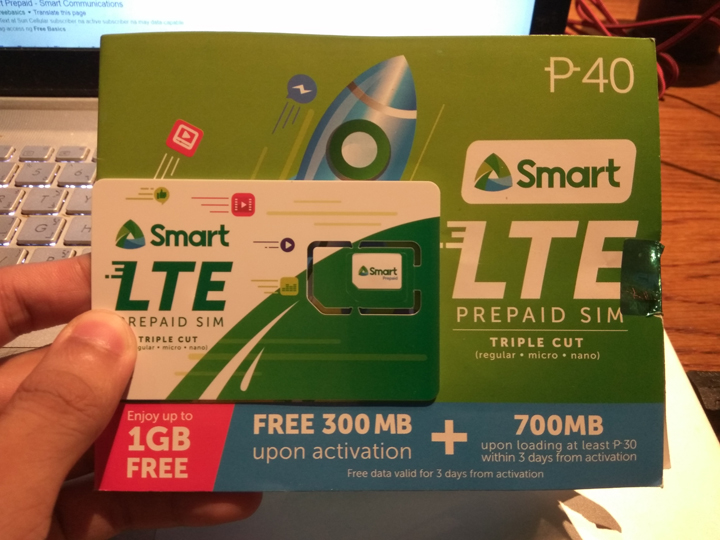
Here’s how to activate Free Facebook on your Smart LTE Sim card.
For Feature Phones
Step 1
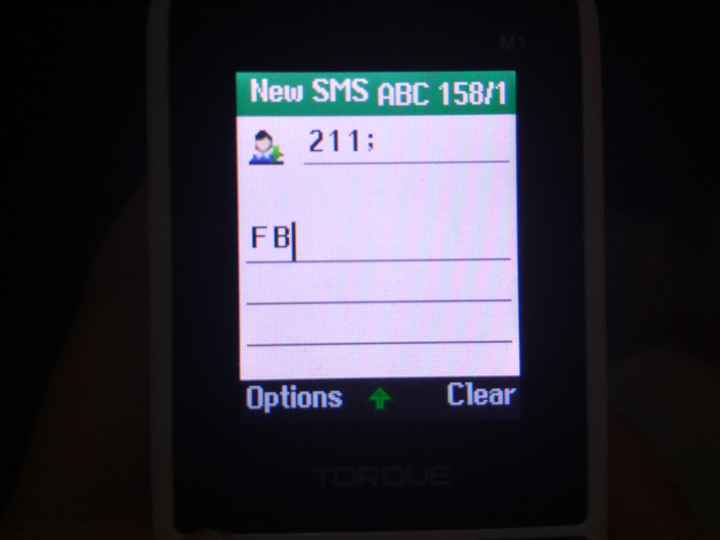
Type “FB” on your text message and send it to “211“.
Step 2
Wait for SMART’s reply which is a link that will enable you to download the “Facebook Mobile App“.
Step 3
Launch the application to be able to enjoy your Free “unlimited” Facebook. It is important that you must Maintain at least Php 1 to continue using the service.
For Smartphones
There are two ways for you to access Facebook for Free.
Step 1
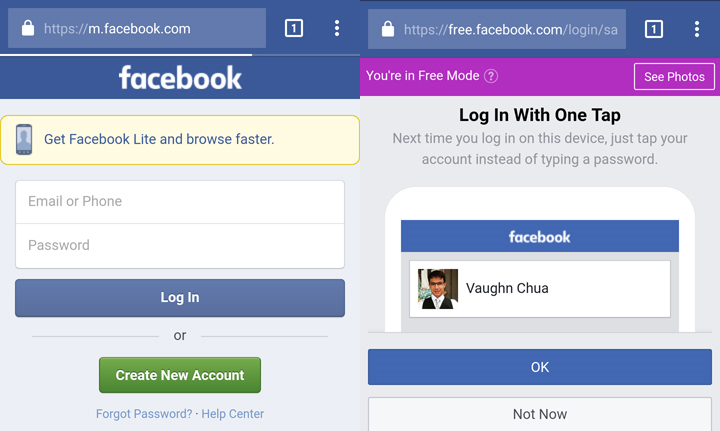
First, all you need to do is to access “m.facebook.com” and Login your account. It will not consume any load on your end.
Step 2
The other method is to login via the Facebook Mobile Application. (Note: This also applies to other network providers)
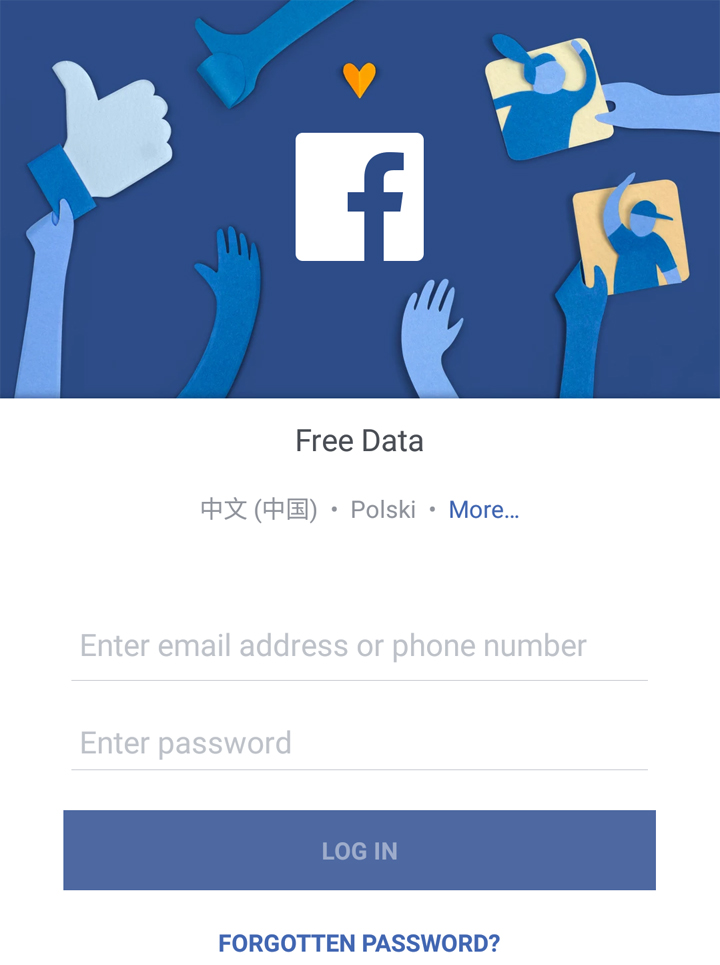
After logging in, press the “Go to Free” option located on the upper right portion of the application to access the Free Facebook feature.
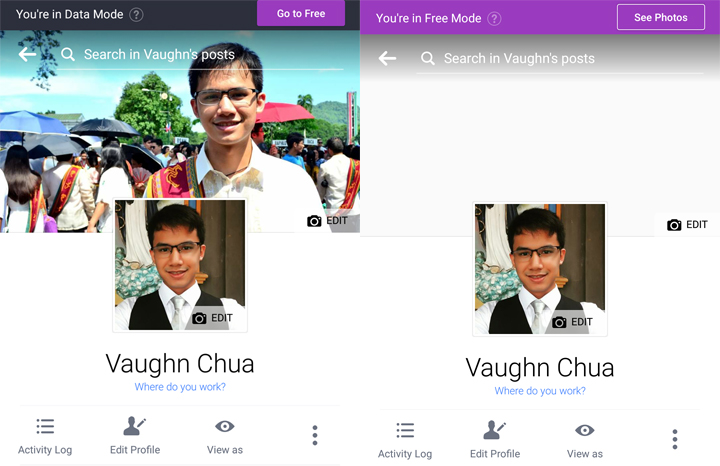
There you have it. Let us know your thoughts in the comments section below.
Yes
Francine alam ko ako ay paparadam ng di sang ayon sa buhay or sa generation poor people same like me. Now. People kwoledge is future 1nd you add. Ability to make a new advance ticnology ike computer make same the inventor so expiriments
How to activate Free Facebook philippines
Free Facebook philippines
Tnx
Wxan Rabaa Facebook free Eh
Facebook account free
Wxan Rabaa Facebook free Eh
Free data option in tge above is missing or it not shows how can i find it
wow sana oll
September 1, 2018 at 9:17 pm
Facebook app
I cant use it
Di na ako nakaka free data. Nagagamit ko lang ang “free.facebook.com” kapag may load
mine does not provide the “Go to free option”
family
bakit yung fb acc ko po hindi na pwede mag free data
I cannot free facebook
Am not happy at all because I tried all my best to go to for free mode Facebook but you don’t want to help me
Love it forever